🌾 Create farming land
For producers and farmers – The first step to creating traceable products
Why create land?
The farmland is where you produce your products. The system uses GPS coordinates to determine the location and area of the land on the blockchain, ensuring transparency of geographical origin.
Access the land creation function
⚙️
Open App → Options
→
🗺️
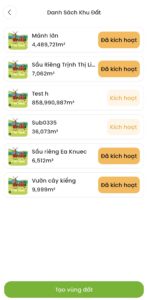
List of land
→
➕
Click +Create Land
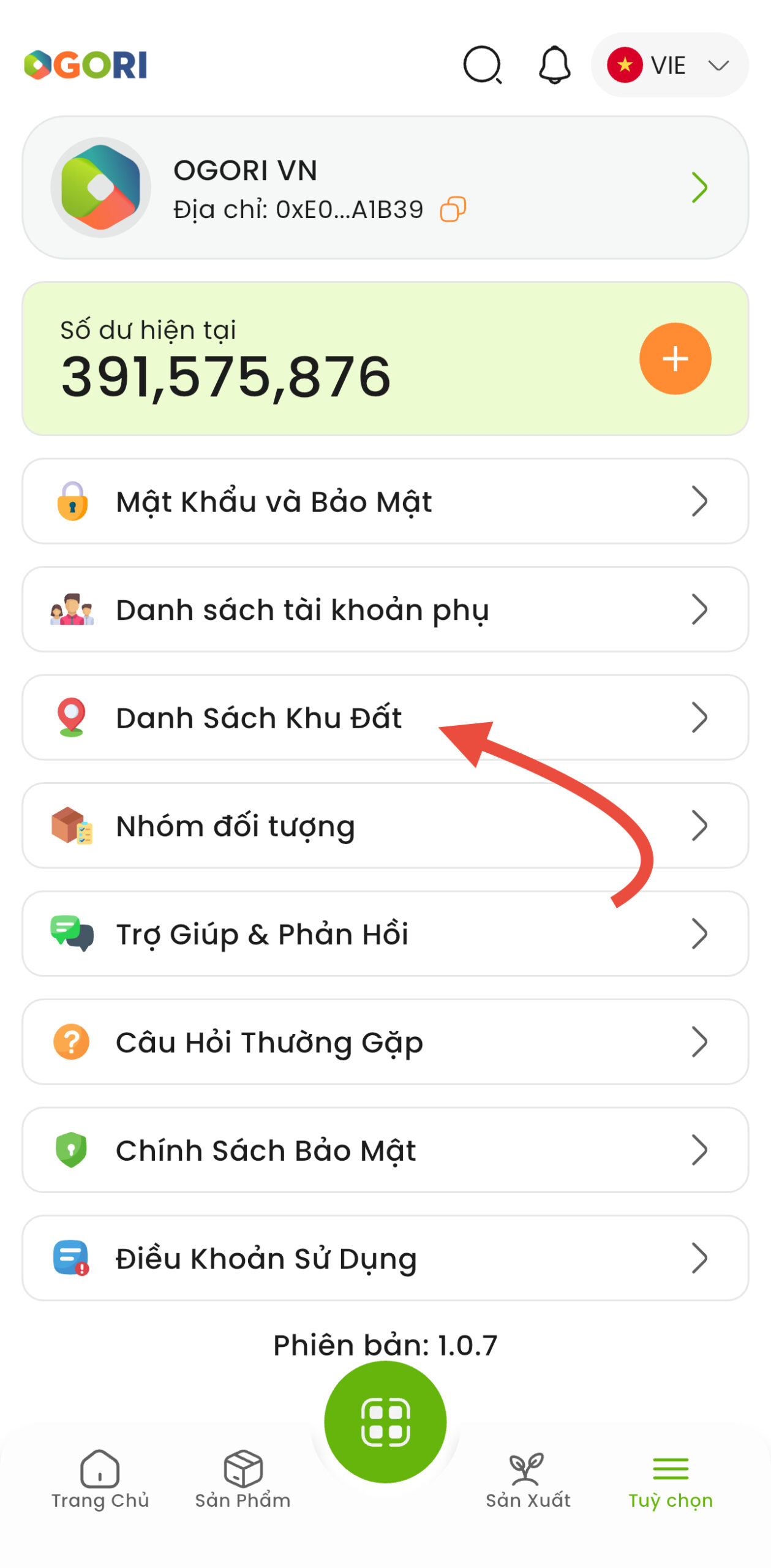
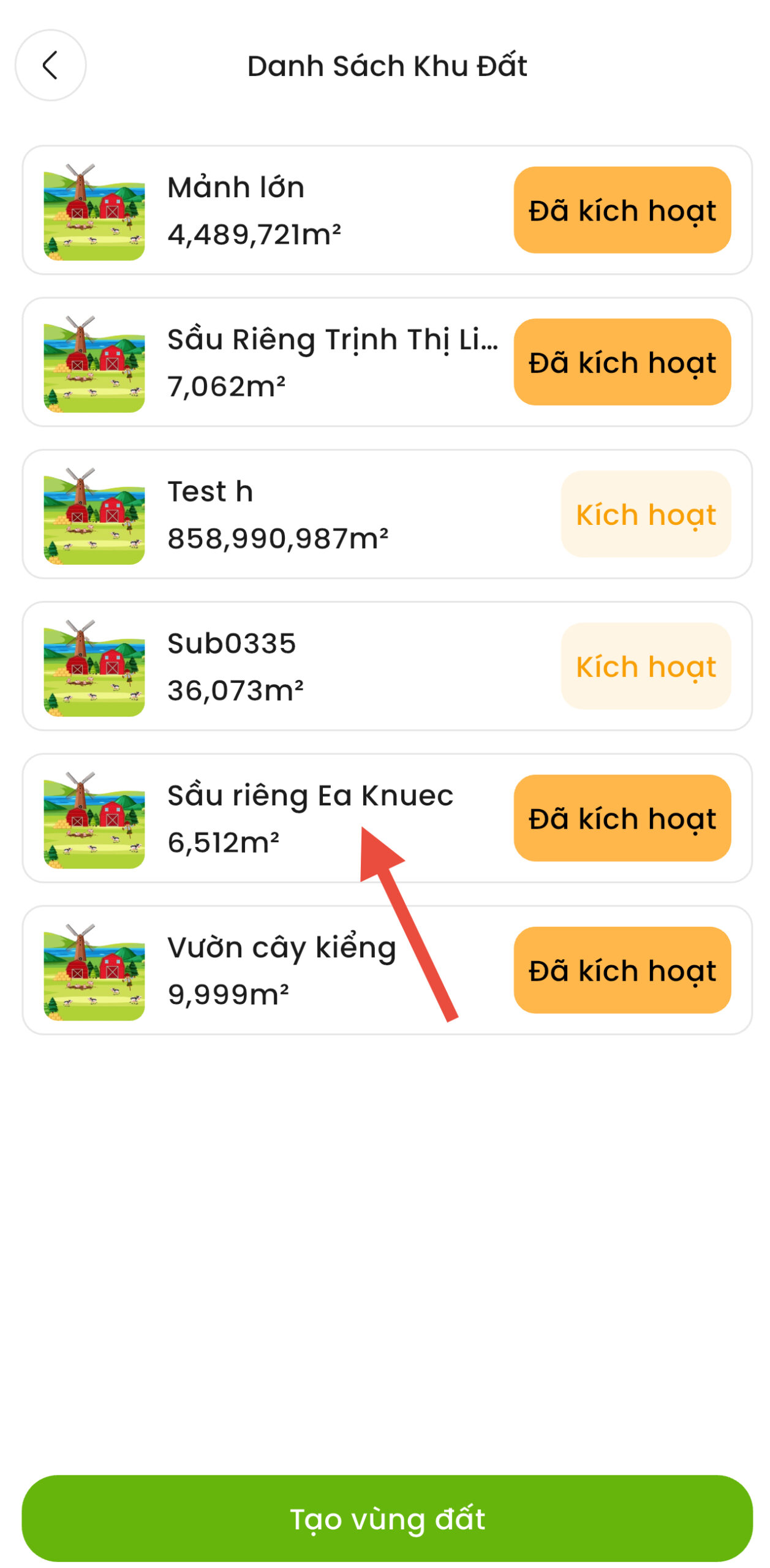
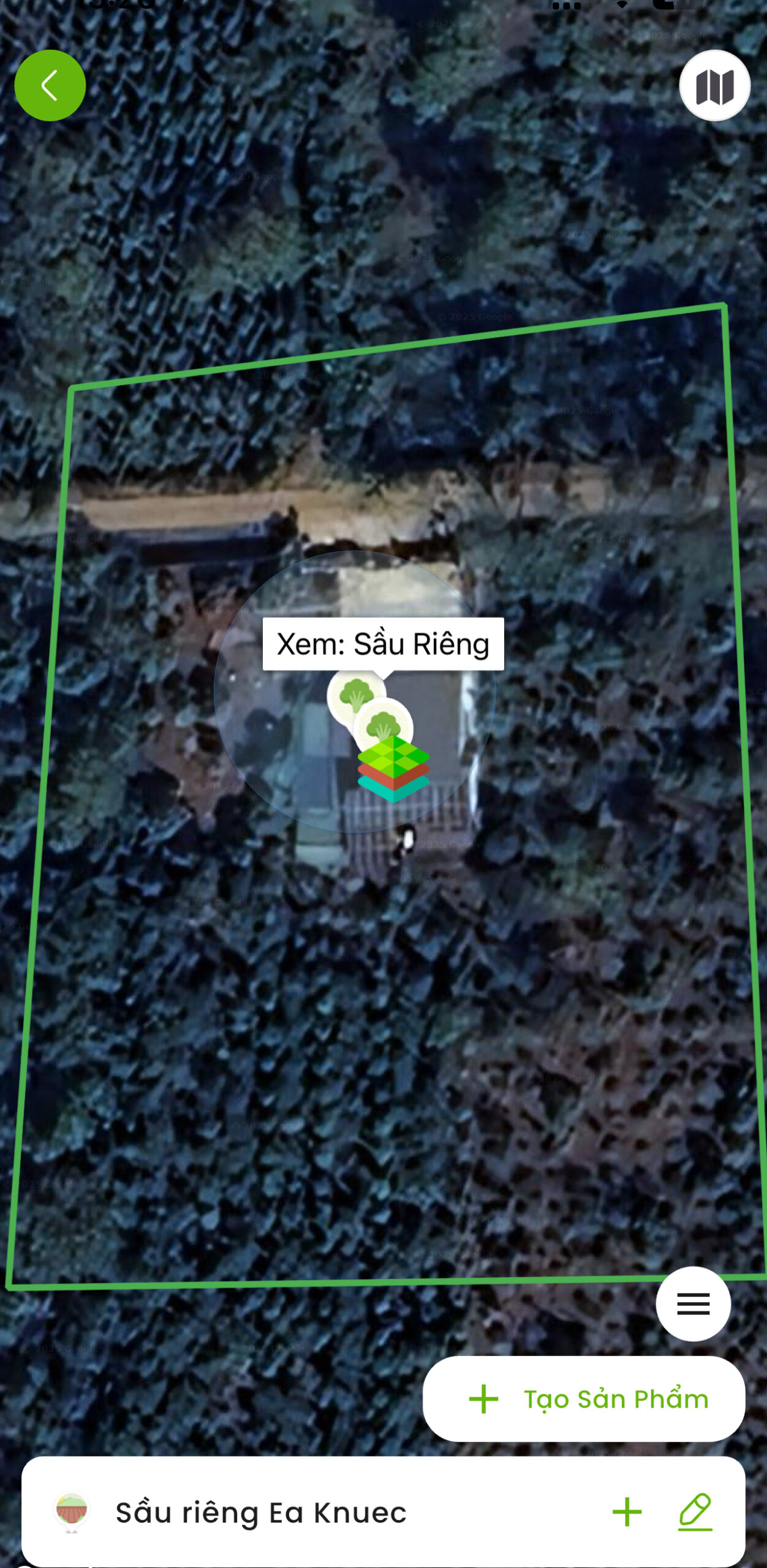
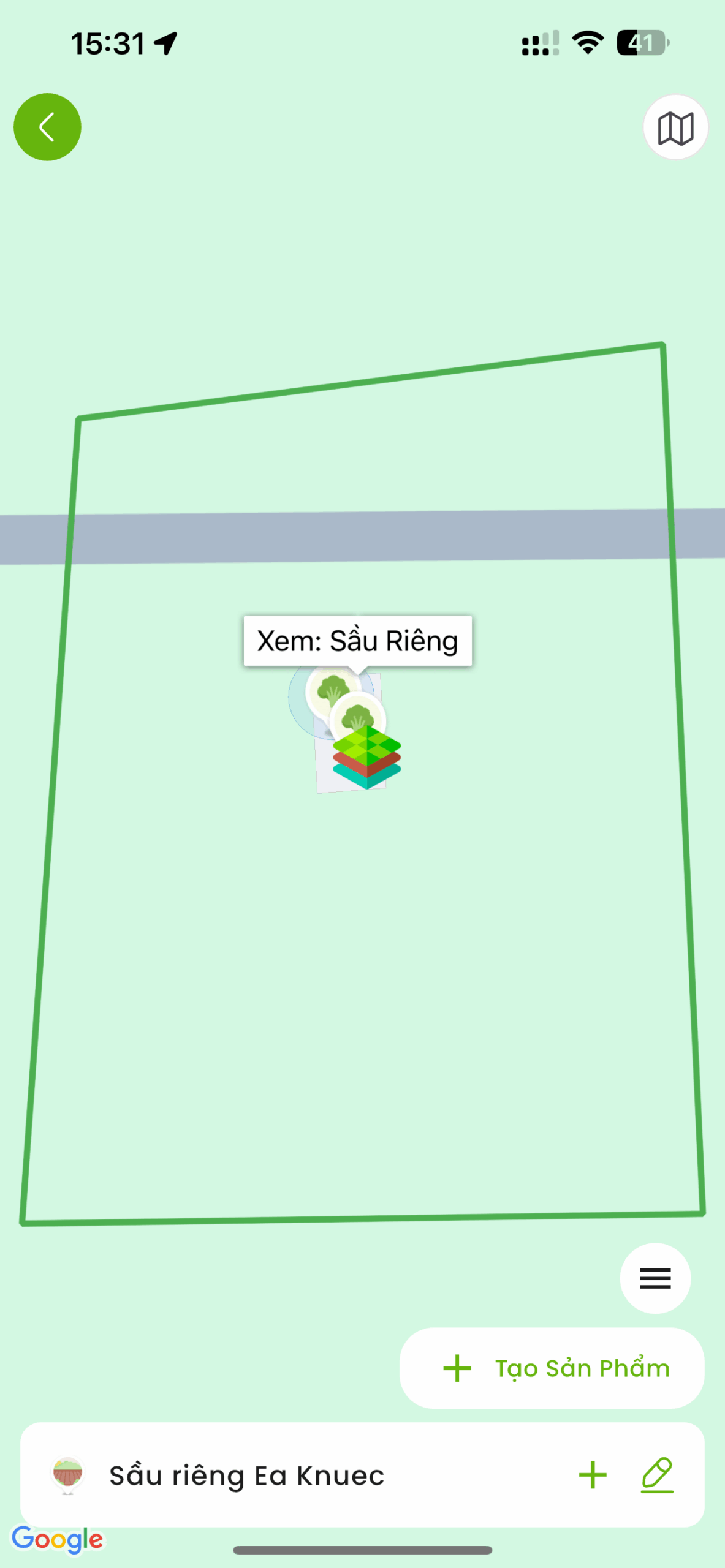
Select map display mode
🗺️
Basic map mode
Display clear roads and landmarks
🛰️
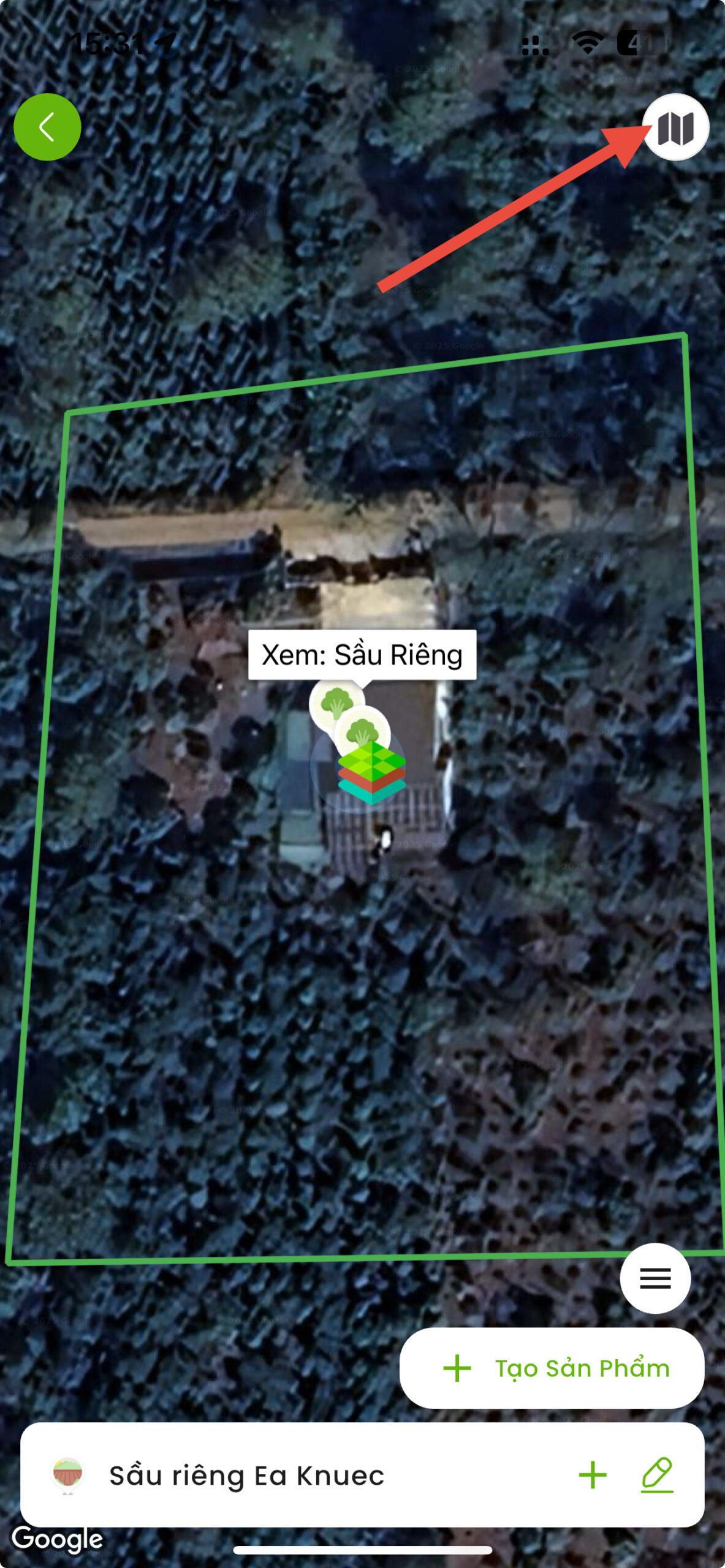
Satellite mode (Recommended)
View real satellite images, easy to identify the land
💡 Tips: Click the icon upper right corner screen to switch view
Map Drawing - Mark the corner points of the land
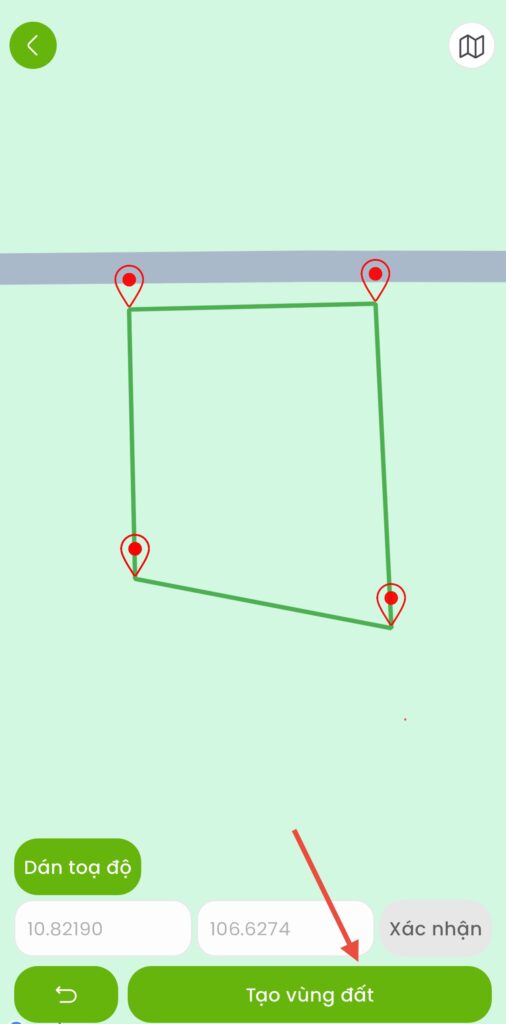
Need at least 3 points to form the land
3.1
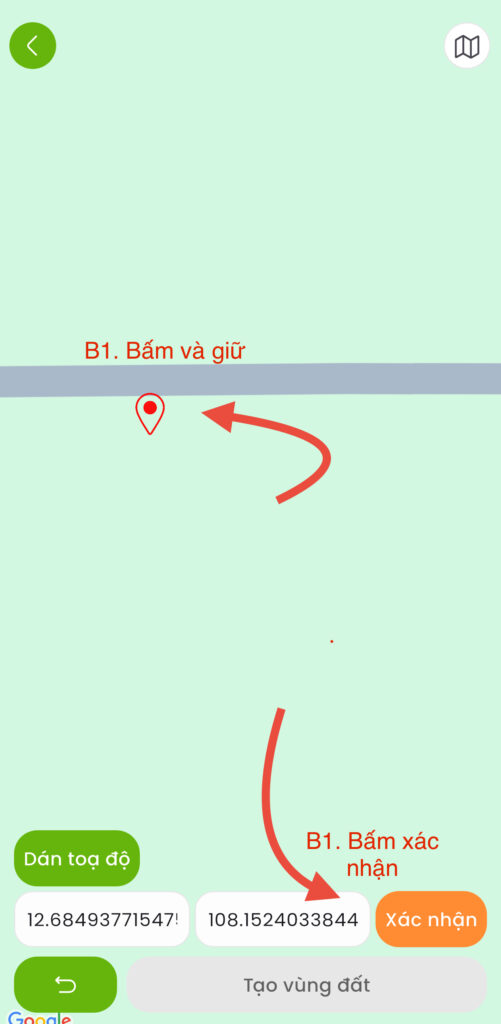
Mark the 1st point
Press and hold on the map at the first corner of the plot
→ Press "Confirm"
3.2
Mark the 2nd, 3rd, 4th… points.
Continue press and hold at the next corners
Each time you press "Confirm"
3.3
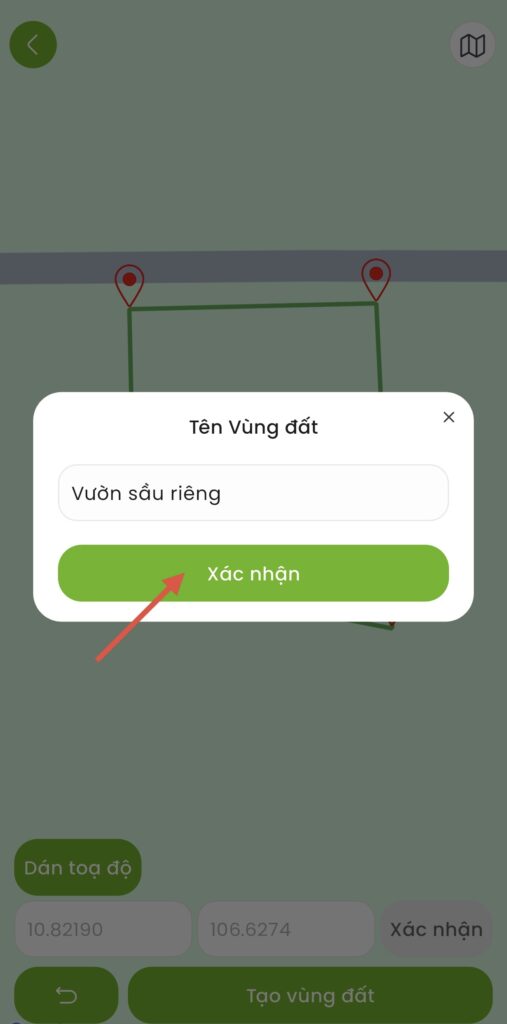
Complete marking
After marking all the corners, click "Complete"
⚠️ Important note
- Marking order: Go clockwise or counterclockwise (no random marking)
- Accuracy: Should go to each corner of the land to determine the exact coordinates
- Minimum score: At least 3 points (triangle), usually 4 points (rectangle)
Edit coordinates (if needed)
Adjust the position of the marked points before completing
(Note: Cannot be edited after activation)
👆
Click on the point need to edit on map
→
✏️
Select “Fix position”
(necessary)
→
📍
Move the new point to the desired location
→
✅
Press "Confirm"
(to complete)
Activating the land
Pay the activation fee to begin using the land
💰 Activation fee
Required ORI to activate the land. Fees are calculated based on the land area.
How to top up ORI:
🍎
Apple Store
For iOS
🤖
Google Play
For Android
Activation process:
- Turn around List of land
- Select the newly created land
- Press “Activate”
- Confirm payment with ORI
- Completed ✅ – Land ready for use
💡 Tips for creating effective land
- Using satellite mode: Real-world land boundaries are easier to identify than regular map mode.
- Field trip: Should go to each corner of the land to mark most accurately
- Check carefully before activating: Once activated, coordinates can no longer be edited.
- Reasonable division: If there are many different types of crops, it is advisable to create separate plots for easy management.